

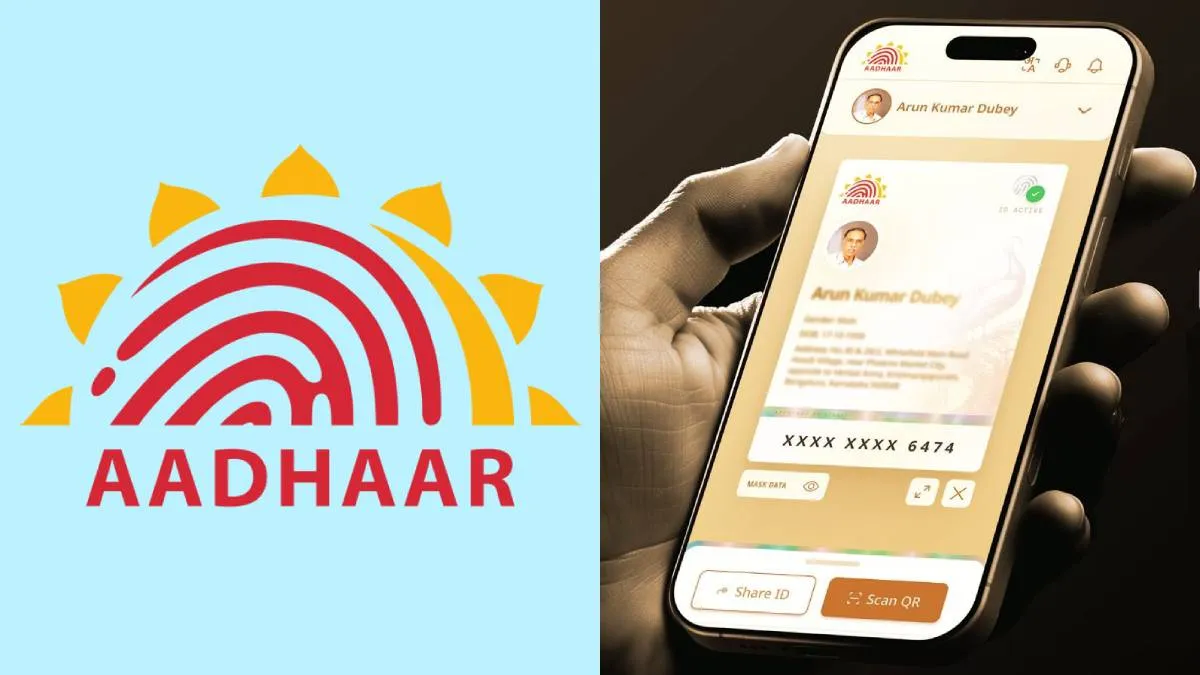
New Delhi: The Unique Identification Authority of India (UIDAI) has launched a new mobile application called e-Aadhaar, offering citizens a secure, paperless, and convenient way to access their Aadhaar card anytime and anywhere. Announcing the launch through an X (formerly Twitter) post, UIDAI said the app is now available for download on both Android and iOS platforms.
What Is the e-Aadhaar App?
The newly launched e-Aadhaar app allows users to store, view, and share their Aadhaar card digitally. With an intuitive interface and enhanced data protection, users can now carry their Aadhaar credentials on their smartphones, removing the need for physical copies.
UIDAI highlighted that the app is designed to offer “enhanced security, easy access, and complete paperless convenience.”
Not a Replacement for mAadhaar
The UIDAI clarified that the e-Aadhaar app is not a replacement for the existing mAadhaar app. Unlike mAadhaar, the new application currently does not include features such as:
-
Downloading a digital Aadhaar card
-
Ordering a PVC Aadhaar card
-
Verifying registered mobile number or email ID
-
Generating a Virtual ID (VID)
These features remain exclusive to the mAadhaar app, while e-Aadhaar focuses on secure digital display and sharing.
Key Features of the e-Aadhaar App
-
Selective Data Sharing: Users can choose what personal details to share, ensuring privacy and control over sensitive information.
-
Multiple Profiles: Up to five Aadhaar profiles can be stored on a single device, provided they are all linked to the same registered mobile number.
-
Biometric Lock: Enhanced security through biometric locking to protect data from unauthorized access.
-
QR Code Scanner: The app also includes an in-built scanner for Aadhaar-related QR codes, useful for verification and service access.
How to Set Up and Use the e-Aadhaar App
Here’s a step-by-step guide to get started with the new e-Aadhaar app:
-
Download and install the app from the Google Play Store or Apple App Store.
-
Select your preferred language and enter your 12-digit Aadhaar number.
-
Verify your mobile number by sending an SMS from your Aadhaar-registered mobile.
-
Enter the OTP received on your phone.
-
Complete Face Authentication as prompted.
-
Set a six-digit password to secure your profile.
Once setup is complete, your Aadhaar card will appear on the app’s profile page. You can mask, share, or lock it for additional protection.
Why It Matters
The launch of the e-Aadhaar app is part of UIDAI’s ongoing efforts to make digital identity access more secure and user-centric. By allowing selective data sharing and biometric protection, the app aligns with India’s growing digital governance and data privacy standards.